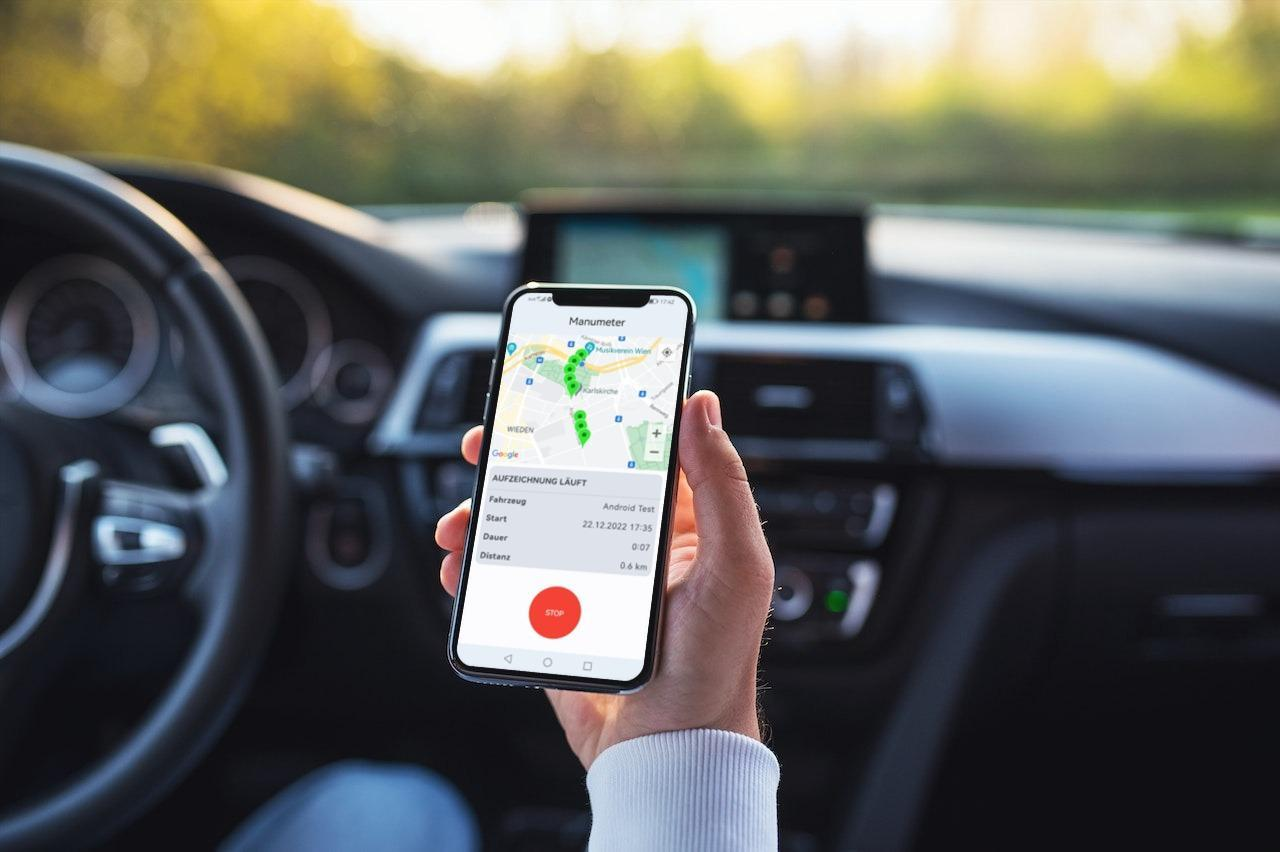
Maintaining accurate vehicle mileage records is an important responsibility for individuals and businesses that regularly travel for professional purposes. Employees may visit clients, attend meetings, travel between different work locations or carry out field assignments. Each journey can contribute to business travel expenses, making reliable mileage documentation essential. However, recording every trip manually can become difficult, particularly when several journeys take place throughout the day.
Traditional record-keeping methods often create problems such as forgotten journeys, incorrect distance calculations, missing information and inconsistent reporting. These challenges can affect expense management and make it harder to review vehicle usage. Modern mileage tracking apps provide practical ways to address these difficulties by automating selected recording tasks, organising journey information and improving access to travel records.
Understanding the common problems associated with mileage documentation can help individuals and businesses recognise how digital tools make the process more manageable.
Why Does Manual Mileage Recording Become Difficult?
Manual mileage recording usually requires drivers to document journey dates, starting points, destinations and distances. Although this approach may work for occasional travel, it becomes increasingly demanding when people complete multiple trips every working day.
Several factors contribute to these difficulties:
- Repeated data entry takes time and effort.
- Drivers may forget to record journeys immediately.
- Distance calculations can become inconsistent.
- Paper records can be misplaced or damaged.
- Reviewing large volumes of information can be time-consuming.
These issues highlight the importance of having a consistent method for collecting and organising vehicle travel information.
Common Mileage Recording Problems and How Digital Tools Solve Them
Digital mileage management systems address several challenges associated with traditional record-keeping. Their features can help users maintain more organised information while reducing unnecessary administrative work.
1. Forgotten Journeys and Incomplete Records
One of the most frequent mileage recording problems is forgetting to document a journey. Drivers often have busy schedules and may not remember to update their travel logs after every appointment.
When information is entered several days later, important details such as exact destinations, journey purposes and distances may be difficult to recall.
Digital tracking tools can help by using GPS technology to detect vehicle movement and record journey information automatically. Depending on the available settings, users can receive trip records without having to enter every detail manually.
This reduces dependence on memory and helps create a more complete travel history. However, users should still check whether all journeys have been captured correctly.
2. Inaccurate Distance Calculations
Calculating mileage manually can lead to errors, especially when employees travel through unfamiliar areas or follow different routes to reach the same destination.
Incorrect distance information may affect reimbursement calculations and business travel reports.
Digital systems can calculate journey distances using GPS location data. Some also allow users to enter odometer readings or manually correct recorded distances when necessary.
By using consistent calculation methods, businesses can reduce errors associated with estimating distances from memory.
3. Difficulty Managing Multiple Daily Trips
Employees working in sales, delivery, maintenance and field services may complete several journeys throughout the day. Recording each trip separately can create a large amount of administrative work.
Organising this information manually may also make it difficult to identify individual journeys when reviewing weekly or monthly records.
Digital tracking systems can arrange trips chronologically and display journey details in an organised format. Users can review individual routes, dates and distances without searching through multiple notebooks or spreadsheets.
This is particularly useful for professionals whose work involves frequent travel between different locations.
4. Confusion Between Personal and Business Journeys
Employees who use their vehicles for both personal and professional activities need to distinguish between different types of travel.
Without proper classification, personal journeys may accidentally appear in business mileage reports. This can create confusion during expense reviews and reimbursement assessments.
Digital mileage management tools often provide trip categorisation options. Users can assign journeys to different groups based on their purpose.
For example, a visit to a customer can be classified as business travel, while a private weekend journey can be marked as personal.
Clear classifications help businesses maintain more reliable expense documentation.
5. Difficulty Finding Historical Travel Information
Searching through handwritten records to find a particular journey can take considerable time. This becomes more challenging when mileage information needs to be reviewed after several weeks or months.
Digital systems help solve this problem by storing journey information electronically. Depending on the available features, users may be able to filter records by date, destination or trip category.
This makes historical information easier to retrieve when preparing reports, checking reimbursements or reviewing previous travel activity.
6. Inconsistent Mileage Reporting
When employees follow different methods for recording their journeys, businesses may receive travel reports with inconsistent information.
One employee might record the distance and date, while another may include additional details such as the destination and business purpose. These differences can complicate expense verification.
Digital tools can introduce a more standardised reporting process by providing consistent fields for journey information.
Businesses can establish common procedures for recording trips, classifying travel and submitting mileage summaries. This helps improve consistency across departments.
7. Time-Consuming Expense Documentation
Mileage information is often required when employees submit travel expense claims. Collecting journey details manually and transferring them into separate expense reports can increase administrative workloads.
Digital mileage systems can simplify this process through organised trip summaries and downloadable reports.
Some applications also offer integration with expense management or accounting software. This may reduce repeated data entry and make it easier to transfer relevant mileage information between systems.
The available integrations depend on the software being used.
Additional Benefits of Digital Mileage Management
Apart from solving everyday recording problems, digital mileage tools can support better business administration.
Improved Access to Travel Information
Electronic records allow authorised users to review mileage information when needed. This can make communication between employees, managers and finance departments more efficient.
Better Organisation of Business Records
Storing trip details in a structured format helps businesses maintain consistent documentation. It also makes it easier to identify missing information before reports are submitted.
Greater Visibility into Vehicle Usage
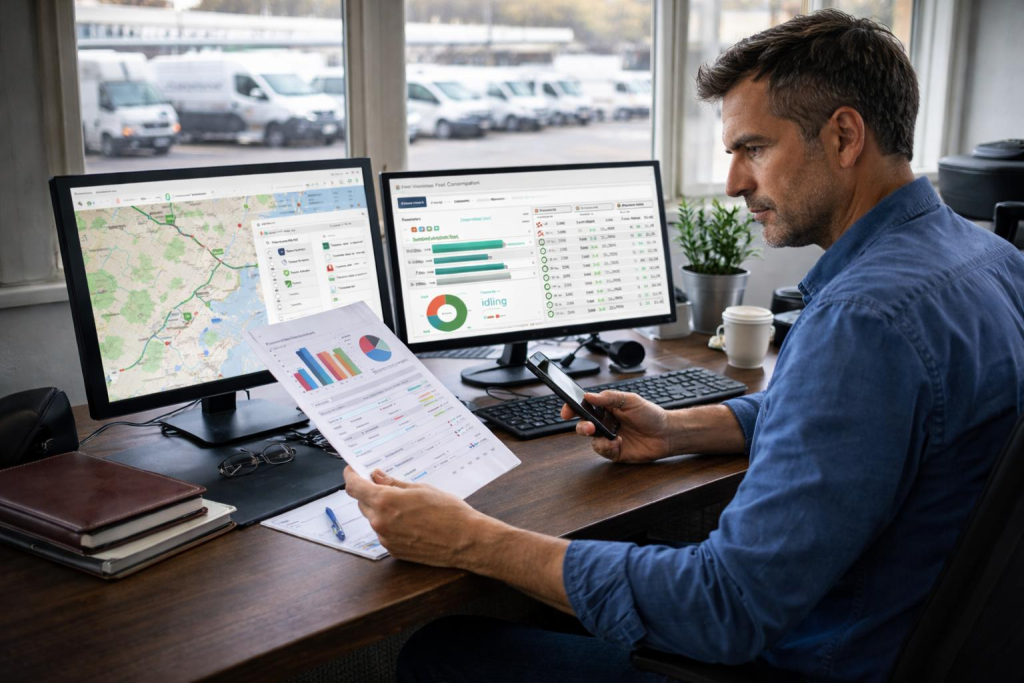
Mileage summaries can provide insights into how frequently vehicles are used and how much distance employees cover for professional activities.
Businesses can use this information to understand travel patterns and evaluate transportation requirements.
Reduced Administrative Workload
Automating selected recording tasks reduces the need for repetitive manual entries. Employees can spend less time preparing mileage logs, while finance teams can work with more organised information.
What Should Users Consider Before Relying on Digital Mileage Tools?
Although digital systems offer several advantages, they are not completely free from limitations. Users should understand how the technology works and take appropriate steps to maintain accurate records.
GPS Accuracy and Device Permissions
GPS-based tracking depends on location signals and device settings. Poor connectivity, restricted permissions, tunnels and tall buildings may affect the accuracy of recorded journeys.
Users should check that location permissions are configured correctly and review unusual distance readings.
Data Security and Privacy
Mileage records may contain sensitive information about travel routes, destinations and working patterns. Businesses should choose tools with suitable security measures and establish clear rules about who can access employee travel information.
Regular Record Verification
Automatic recording should not replace regular checks. Users should review journey details, correct missing entries and ensure that trip classifications are appropriate.
Storage and Reporting Requirements
Before selecting a digital solution, businesses should consider how long mileage information needs to be retained and whether reports can be exported in suitable formats.
They should also ensure that their record-keeping procedures meet relevant tax, employment and reimbursement requirements.
How to Build a More Reliable Mileage Recording Process
Digital tools work best when supported by clear record-keeping practices. Businesses and individual users can improve their mileage documentation by following a consistent routine.
- Configure tracking settings according to individual travel requirements.
- Review recorded journeys regularly rather than waiting until the end of the month.
- Classify business and personal trips correctly.
- Add notes explaining the purpose of important professional journeys.
- Correct inaccurate or incomplete information promptly.
- Export and securely retain reports when required.
- Follow applicable company policies and local documentation regulations.
These steps help ensure that digital mileage records remain useful, accurate and accessible.
Conclusion
Mileage recording problems can create unnecessary administrative work and affect the reliability of business travel documentation. Forgotten journeys, incorrect distance calculations, inconsistent reports and difficulty retrieving historical information are common challenges associated with manual record-keeping.
Digital tools help address these issues through GPS-based journey detection, organised trip histories, automated calculations and structured reporting. They also make it easier to separate personal and professional travel while reducing repetitive data entry.
By using suitable digital solutions alongside regular record verification, individuals and businesses can develop a more dependable mileage management process. This supports clearer documentation, more efficient administration and better control over work-related vehicle travel.